
What is quishing? How to recognise quishing and avoid problems
In short: what is quishing?
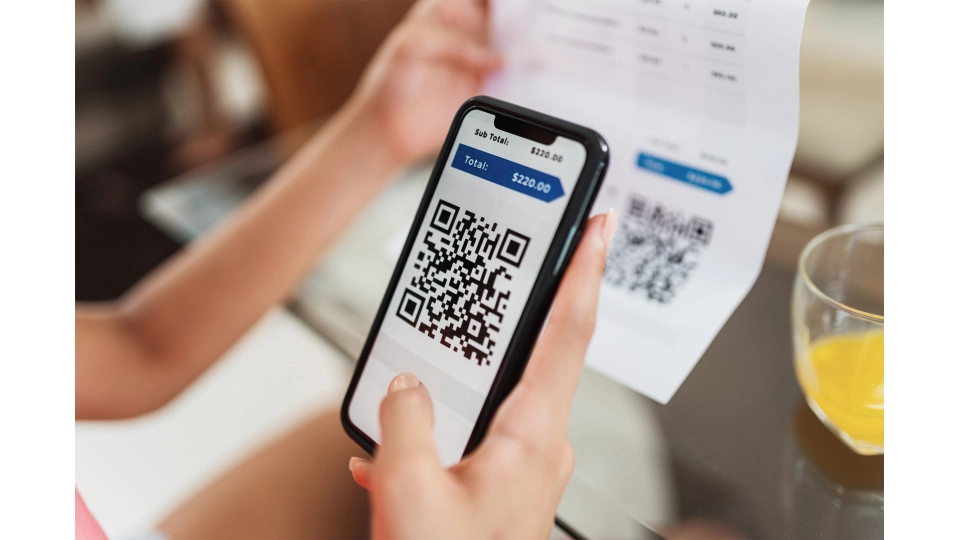
Quishing is phishing via a QR code. Because QR codes often appear in trusted environments and you cannot immediately see the URL behind them, people are more likely to fall for the scam. In this blog, you will learn what quishing is, why it is dangerous, how to recognise it, and how to protect yourself.
You are sitting on a terrace and scan a QR code to view the menu. Or you are at a parking machine and pay via a QR code. Perhaps you receive a letter or email with a code to “quickly arrange something”. It feels normal and convenient. And that is exactly what makes quishing so effective.
What is quishing and how does it work?
Quishing is a combination of the words phishing and QR. Instead of clicking a link, you scan a QR code that directs you to a website.
The goal is the same as with phishing: to trick you into entering data, making a payment, or downloading something. The difference is that it happens via a route that feels more trustworthy to many people.
A QR code is often seen as practical and safe. You scan and move on. But behind that code, there can just as easily be a fake website as behind a regular link.
Why is quishing dangerous?
Quishing is dangerous because it plays on trust and speed.
QR codes are often found in environments that feel familiar, such as restaurants, shops, parking machines, or official communications. As a result, people are less alert. You do not immediately expect fraud in those situations.
In addition, a QR code is scanned quickly. You act automatically, without first checking where you will end up. That is exactly what scammers take advantage of.
The biggest risk is that you cannot immediately see the URL behind the QR code. With regular phishing, people have become more alert to suspicious links and unusual web addresses. That is often the moment when fraud is noticed. With quishing, that moment of verification is missing, because you scan first and only then see where you land.
Scammers cleverly exploit this by placing QR codes in offline and trusted environments. Think of stickers, posters, letters, or cards on location. Because it feels physical and real, people trust it more quickly.
The result can be that you end up on a fake website, enter your details, make an incorrect payment, or download something unsafe.
Which forms of quishing are common?
1. Quishing via email and SMS messages
You receive a message from, for example, a bank, delivery service, or government institution with a QR code. The message seems logical, but the code directs you to a fake website.
2. Quishing via public and trusted locations
QR codes on parking machines, restaurant tables, counters, or posters are replaced or covered. Because you trust the location, you are more likely to scan without additional checks.
3. Quishing via letters or parcels
You receive a letter or parcel with a QR code for “additional information” or “confirmation”. It looks official, but it can simply be a trap.
4. Quishing aimed at quick action
After scanning, you are asked to act immediately, such as making a payment, logging in, or confirming an account. There is little time to think, and that is exactly the intention.
How can you recognise quishing?
You cannot always recognise quishing at first glance. That is what makes this form of fraud so deceptive. A QR code usually looks harmless and is often used in situations that feel normal and reliable. As a result, many people are less critical than they would be with a regular link in an email or SMS.
However, there are often signs that something is not right. Sometimes it is in the situation itself, sometimes in the website you reach after scanning. The most important thing is to train yourself not to continue automatically once you have scanned a QR code. Taking a moment to check can make all the difference.
Pay particular attention to these signs:
- Unexpected QR codes: you receive a QR code without having requested or expected it.
- A familiar environment that still feels off: for example, a sticker placed over another QR code or a code that looks poorly applied.
- Immediate action after scanning: you are asked to pay, log in, or enter personal details straight away.
- An unusual website: the URL looks strange or the page differs from what you normally expect.
- Branding errors and poor design: such as language mistakes, an incorrect logo, different colours, or a page that looks unprofessional.
- A sense of urgency or pressure: you feel pushed to act quickly without proper verification.
How can you protect yourself against quishing?
Do not scan automatically, but consciously
Pause for a moment before scanning, especially in situations that feel very normal or very easy.
Always check where you are being directed
Review the URL before entering or confirming anything.
Be extra cautious when sharing sensitive information
Official organisations generally do not ask you to provide sensitive information via a QR code, such as login details, payment information, or personal data. If this does happen, you should be extra cautious. In many cases, you can assume it is a fraud attempt.
Go to the official website yourself
Type the web address manually or use the organisation’s app instead of scanning a QR code from a message or sticker.
Be extra alert in trusted environments
This is where quishing is increasingly used, because people are less suspicious there.
Use additional protection while browsing
Security software can help you by detecting dangerous websites, suspicious links, and harmful downloads, and warning you in time. This helps prevent you from unknowingly ending up on a fake website or installing something unsafe.
Some security packages go a step further. Products such as McAfee Total Protection, McAfee+ Premium and McAfee+ Advanced include a built-in QR code scanner that checks whether a QR code is safe before you open it.
If you are unsure whether something went wrong, you can quickly check whether your device is still safe with a security scan.
What should you do if you have already scanned?
Stop immediately and do not continue on the website
Do you notice something is wrong after scanning a QR code? Do not continue on the website. Do not click anything, do not enter any details, and close the page immediately. The longer you stay, the greater the risk that you might still take an action that causes harm.
Change passwords immediately
Have you entered any details? Then change your passwords right away, especially if you use the same password in multiple places.
Contact your bank in case of payments
Have you made a payment? Contact your bank immediately to limit further damage.
Check your device with a security scan
Have you downloaded something or are you unsure what happened? Run a security scan to check whether your device is safe.
Review accounts and activity
Check your accounts for unusual activity and enable additional security where possible, such as two-factor authentication (2FA).
How can you prevent becoming a victim of quishing?
By adopting one simple habit: do not scan automatically, think first. Check where you are being directed, be critical of the situation, and use additional protection as a safety net. This makes it much harder for scammers.
Frequently asked questions about quishing
Quishing is a form of phishing in which scammers use a QR code to redirect you to a fake website. There, they try to get you to log in, make a payment, enter personal details or download something, for example.
Quishing is dangerous because people often trust QR codes, especially in familiar or official settings. What’s more, you can’t immediately see which URL is behind the QR code. This makes it more likely that you’ll end up on a fake website without realising it.
Yes, security software can help by warning you about malicious websites, suspicious links and harmful downloads. It is no substitute for your own vigilance, but it does provide an extra layer of protection that alerts you to potential threats.
You can spot quishing by looking out for signs such as unexpected QR codes, a QR code sticker stuck over another one, pressure to act quickly, a strange URL, spelling mistakes, the wrong logo, unusual colours, or a page that looks slightly different from what you’re used to.