

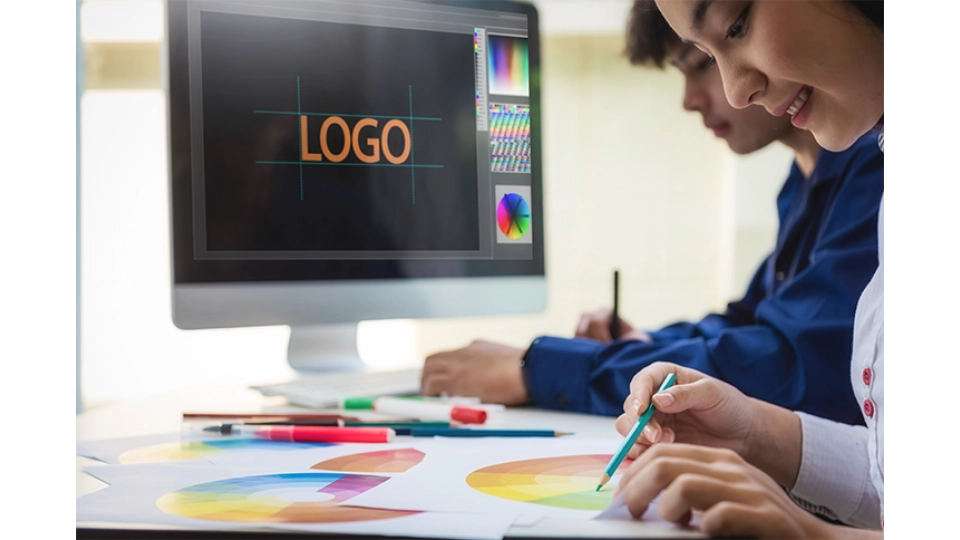

What is InDesign and what can you do with it?
In short: What is InDesign?
Adobe InDesign: The ultimate tool for graphic design and publications. Since 1999, InDesign has been the go-to software for creating high-quality print and digital projects such as brochures, magazines, books, posters, and interactive PDFs.
At 2GO Software, you can purchase InDesign flexibly through various subscription options, including special offers for students and teachers.
- Individual Subscription: Adobe Creative Cloud Individual (all apps)
- Education Subscription: Adobe Creative Cloud (all apps) Student & Teacher
In our article, you'll read all about the versatile uses and handy features of InDesign.
Heard of it but wondering what InDesign actually is? This is the software you want to use if you’re serious about graphic design and publications. Adobe launched InDesign back in 1999, and it's been the go-to tool for creating all sorts of cool print and digital projects ever since. Think brochures, magazines, books, posters, and even interactive PDFs.
What Can You Do with InDesign?
InDesign lets you do pretty much anything. Here are a few things you can create with it:
Print Publications
Want to make a sleek book or a beautiful magazine? InDesign gives you all the tools to get your text and images just the way you want them. From flyers to newspapers, it’s all possible.
Digital Publications
Besides print, you can also create digital masterpieces with InDesign. Whether you want to make an eBook, an interactive PDF, or a digital magazine, InDesign makes it easy. Everything looks fantastic on different devices like tablets and smartphones.
Marketing Materials
Businesses use InDesign for their marketing. Think business cards, presentations, posters, and banners. You can even import your Photoshop and Illustrator files to make everything look even better.
Layout and Design
InDesign is great for making complex layouts. With tools for multiple columns, integrating images and text, and applying styles, you can really let your creativity flow.
Handy Features of InDesign
InDesign is packed with handy features that make your work much easier:
Master Pages
Create a consistent look for your entire document. This is super useful for making magazines and books.
Typography
Play with letters like never before; from kerning to tracking and leading, you have full control.
Image Management
Import, place, and edit images without hassle. You can scale, crop, everything without losing quality.
Interactivity
Add interactive elements to your digital publications, like hyperlinks, buttons, and videos. The perfect tool for eBooks and interactive PDFs.
Preflight and Packaging
InDesign checks everything before you print. Then you can collect all the files in one folder to share or archive.
Conclusion: What is InDesign?
Adobe InDesign is the perfect program for creating and formatting professional and versatile graphic designs, such as magazines, books, posters, and other printed or digital publications. Whether you’re working on print or digital projects, InDesign has everything you need to create professional-looking designs. With various subscription options and integration with other Adobe programs, InDesign is a great investment for both individual designers and businesses. So, what are you waiting for? Get started and discover what you can create with InDesign!
Where Can I Buy InDesign?
At 2GO Software, you can buy InDesign through flexible subscriptions tailored to different needs. We only sell 100% legitimate software, and our customer service is ready to help you if you have any issues.
Individual Subscription:
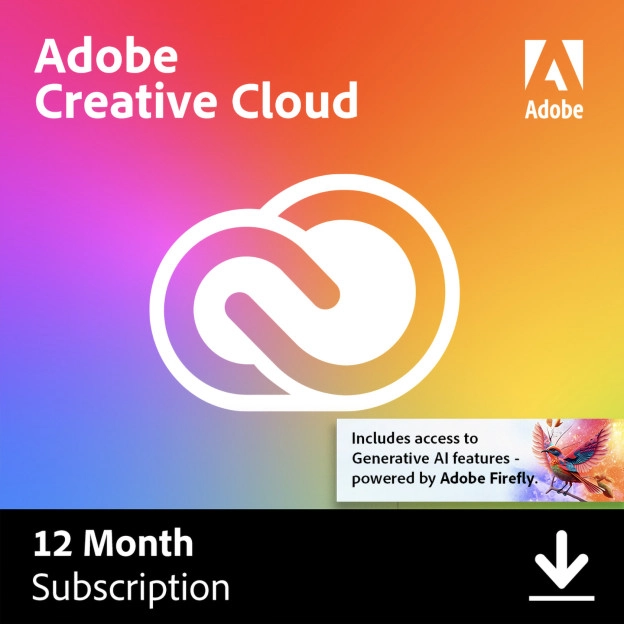
For solo users, you can choose from the complete Creative Cloud suite or just InDesign (only at Adobe). The Adobe Creative Cloud Individual suite is the most complete package from Adobe, bundling more than 20 powerful programs for all your creative creations.
Education Subscription:
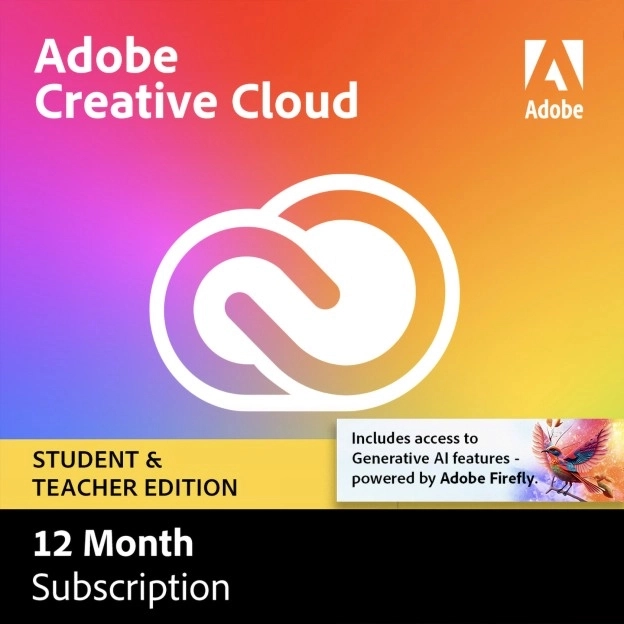
Special offers for students and teachers with significant discounts on Creative Cloud, including InDesign. The Student & Teacher edition has exactly the same 20+ programs as the Creative Cloud Individual version, so you can let your creative spirit run free.
Free Trial:
If you’re not sure if InDesign is for you, you can try it for seven days for free before deciding.

