
What is Microsoft Teams and how can you use it?
Microsoft Teams is the go-to tool to help you collaborate more efficiently, no matter where you are. Whether you're working from home or at the office, Microsoft Teams provides the tools you need to communicate effectively and stay productive. But what makes Teams so special, and how can you get it? In this article, we’ll tell you everything about the benefits of this program and how you can integrate it into your workflow.
What is Microsoft Teams?
Microsoft Teams is a collaboration platform that combines chat, video calls, file sharing, and integrations with other tools in one app. It’s designed to bring teams together and make collaboration simpler and more efficient. With features like group chats, scheduled meetings, and files that are directly accessible within the app, it’s become an essential tool for modern businesses.
The key features of Microsoft Teams
- Seamless communication: With Microsoft Teams, you can easily switch between chats, audio calls, and video conferences. This makes it easy to reach colleagues, no matter where they are.
- File sharing and editing: Collaborate on documents in real-time. Teams integrates seamlessly with Microsoft 365, so you can work on Word, Excel, and PowerPoint files directly in the app. All changes are automatically saved to the cloud.
- Integrations with other apps: Microsoft Teams supports a wide range of integrations, such as Trello, YouTube, Canva, and more than 700 other apps. This lets you optimise workflows without switching between platforms.
- Security and reliability: Microsoft Teams encrypts all files and messages, keeping them safe like in a vault that only you and your team can access. Microsoft also employs extra policies and controls to keep hackers at bay and protect your data.
- Suitable for any team: Whether you’re in a small team or running an international organisation, Microsoft Teams scales with you. The program supports small group chats to large webinars and events.
Microsoft Teams vs. free alternatives
While Microsoft Teams offers powerful features, there are other platforms that are also popular, including some free options like Zoom, Slack, and Google Meet. Below, we’ve created a comparison table to help you see the differences between these free versions.
| Feature | Microsoft Teams (Free) | Zoom (Free) | Slack (Free) | Google Meet (Free) |
| Number of participants | Up to 100 (meetings up to 60 minutes) | Up to 100 (meetings up to 40 minutes) | Up to 2 | Up to 100 (meetings up to 60 minutes) |
| File sharing | Yes, up to 5 GB per user | No | Yes, up to 5 GB per user | No |
| Screen sharing | Yes | Yes | Yes | Yes |
| Integration with other tools | Yes, broad (Microsoft 365) | Limited | Yes (Google Drive) | Yes (Google Workspace) |
| Chat history | Unlimited | Not available | 90 days | No |
| Security | Advanced (data encryption) | Basic | Basic | Basic |
Why upgrade to the paid version of Microsoft Teams?
While the free version of Microsoft Teams offers a lot, the paid version unlocks additional features that can be very useful:
- Unlimited meeting time: No more limits on meeting duration.
- More storage: Up to 1 TB per user.
- Advanced management options: Manage user permissions and maintain control over data.
- Collaboration with Microsoft 365: Work seamlessly with tools like Word, Excel, and PowerPoint.
How can you get Microsoft Teams?
Microsoft Teams is available as part of the Microsoft 365 subscriptions. Here are the options 2GO Software offers:
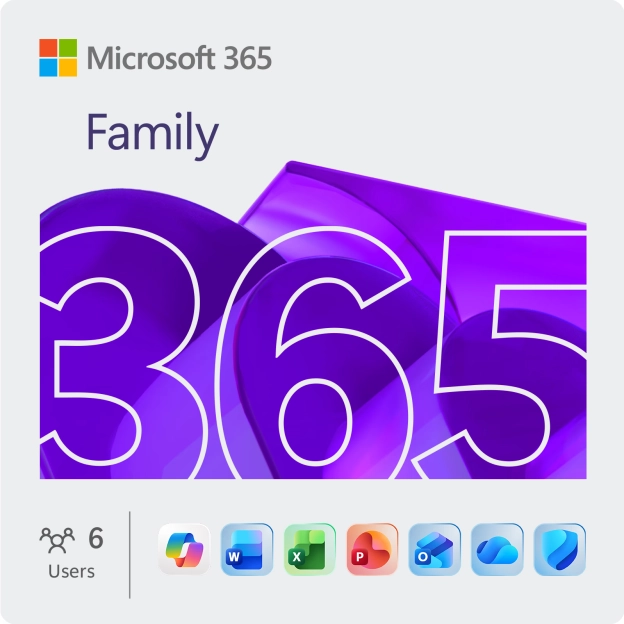
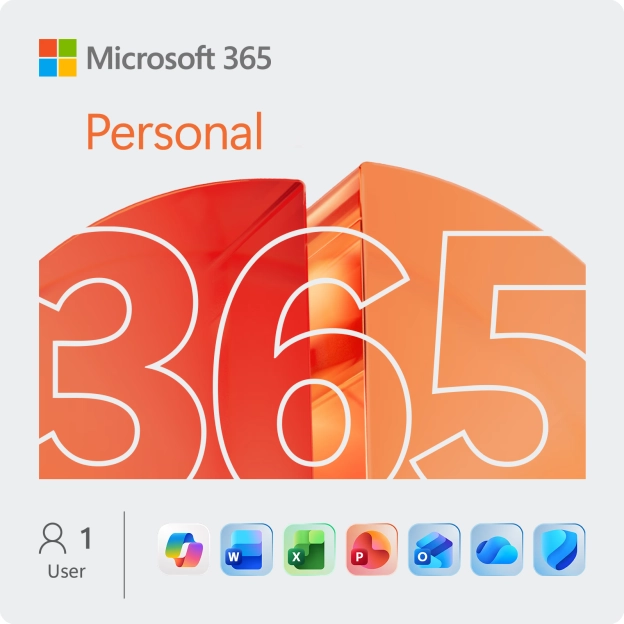
- Microsoft 365 for consumers: For personal use, there’s Microsoft 365 Personal (1 user) and Microsoft 365 Family (up to 6 users). These packages are ideal for home use or for students who want access to popular Office apps.
- Microsoft 365 for businesses: For businesses needing advanced collaboration features and scalable licences, we offer special Microsoft 365 licences for businesses. Along with Teams, these licences include Office apps like Word, Excel, PowerPoint, Outlook, and OneDrive.
Conclusion
Microsoft Teams is more than just a communication tool; it’s a platform that makes collaboration easier. This tool is perfect for sharing documents, scheduling online meetings, or streamlining workflows.
Ready to get started with Microsoft Teams? At 2GO Software, you’ll find the right licence to meet your needs. Take advantage of exclusive benefits like our free installation service and support whenever you need it.