

Sort by:
Cloud storage: the best way to manage and store data
Cloud storage is the perfect place to store all your documents. Think of your photos, documents, videos and more. Instead of keeping them on your own device, they are securely stored on powerful servers that are always online.
This means you can access your stuff from anywhere in the world, as long as you have internet access. No more worries about storage space. Plus, you can back up your important files in the cloud, so they always stay safe!
Buying cloud storage at 2GO Software means 100% legitimate software including installation guarantee, a step-by-step guide to help you download, install and activate your product, and a team of specialists who will be happy to help you if you still can't get any further!
 Savings
-10%
Savings
-10%
Jottacloud Personal Unlimited | 1 User | 1 Year | Unlimited cloud storage | Fast syncronisation between your devices
Jottacloud | Unlimited devices | 1 year
- Unlimited Cloud Storage
- Suitable for 1 User
- Compatible with Windows, Mac, iOS, Android
- Access to your files from anywhere
MSRP:
£ 109,75
£ 99,00
£ 99,00

Jottacloud Personal Unlimited + Norton 360 Deluxe | 3 PC | 1 Year
Jottacloud | 3, Unlimited devices | 1 year
- Licence duration: 1 year
- Suitable for 1 User
- Unlimited Cloud Storage
- Compatible with Windows, Mac, iOS, Android
MSRP:
£ 184,45
£ 59,00
£ 59,00
Savings
-6%
Jottacloud Home | 5 User | 1 Year | 5 TB cloud storage | Windows - Mac - iOS - Android
1 year | Minimal | 5 computers
- 5 TB total cloud storage; share it with friends and family
- Suitable for up to 5 Users
- Compatible with Windows, Mac, iOS, Android
- Access to your files from anywhere
MSRP:
£ 137,42
£ 129,00
£ 129,00
 Savings
-62%
Savings
-62%
Jottacloud Home + McAfee Total Protection | 5 PC | 1 Year
McAfee, Jottacloud | 5 devices | 1 year
- Licence duration: 1 year
- 5 TB totale cloudopslag om te delen met vrienden en familie
- Geschikt voor maximaal 5 gebruikers
- Ondersteuning voor Windows, Mac, iOS, en Android
MSRP:
£ 221,34
£ 84,00
£ 84,00
 Identity protection
Secure backup in the cloud
Identity protection
Secure backup in the cloud
McAfee+ Premium Individual + Jottacloud Personal Unlimited | 1 Year | Unlimited Devices
McAfee, Jottacloud | Unlimited devices | 1 year
- Best for Identity and privacy protection
- UK only: Personal Data Cleanup against data brokers
- Online Account Cleanup
- Unlimited number of installations
MSRP:
£ 229,61
£ 65,95
£ 65,95
 Savings
-74%
Savings
-74%
McAfee Total Protection 2026 | 10 Devices + Jottacloud Personal Unlimited | Unlimited secured cloud storage
McAfee, Jottacloud | 10 devices | 1 year
- Subscription: 1 year
- Suitable for 10 devices
- Suitable for: Windows, Mac, iOS, Android
- VPN for online anonimity
MSRP:
£ 174,30
£ 45,95
£ 45,95
 Savings
-50%
Savings
-50%
Adobe Lightroom CC + Jottacloud Personal Unlimited | 1 User | 1 Year
Adobe | 2 devices | 1 year
- Subscription: 1 year
- THE photo editing package
- Suitable for Windows, Mac, Android, and iOS
- Cast photos and videos from the cloud
MSRP:
£ 221,30
£ 110,85
£ 110,85
 With automatic backup
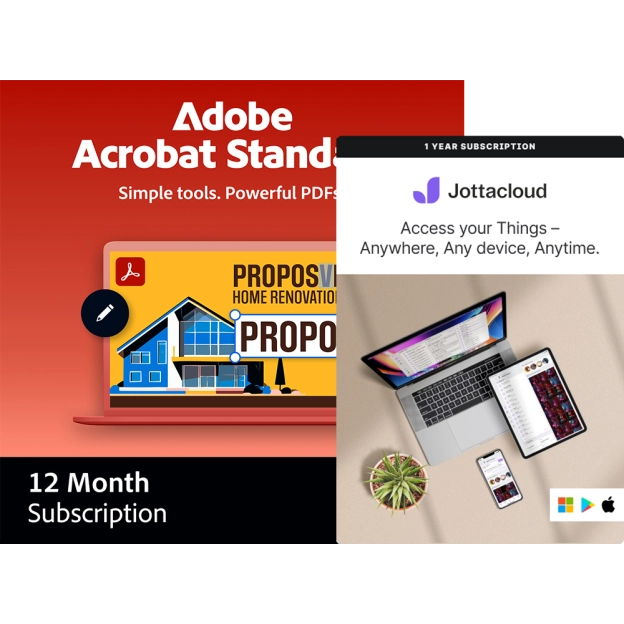
Adobe Acrobat Standard + Jottacloud Personal Unlimited | 1 User | 1 Year
Adobe | 2 devices | 1 year
- Subscription: 1 year
- Easily convert PDF files
- Suitable for Windows/Mac
- Unlimited cloud storage
MSRP:
£ 354,66
£ 189,00
£ 189,00
 Savings
-79%
Savings
-79%
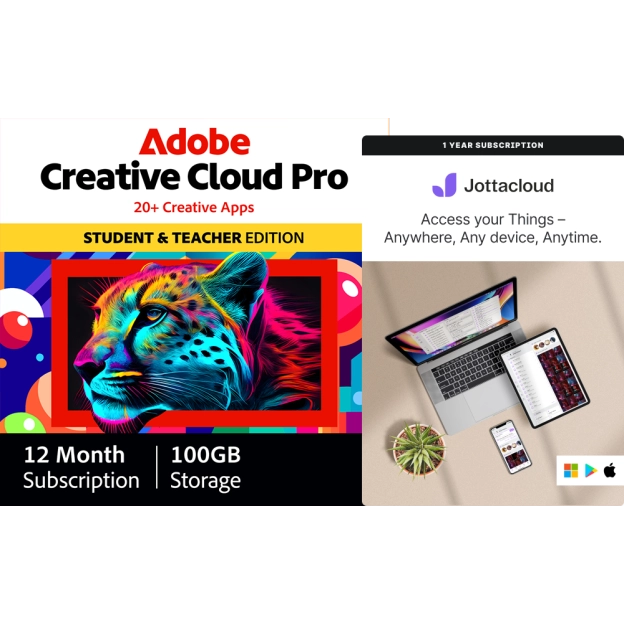
Adobe Creative Cloud Pro (all apps) Student & Teacher Edition + Jottacloud Personal Unlimited | 1 User | 1 Year
Adobe | 2 devices | 1 year
- Subscription: 1 year
- Licence duration: 1 year
- Suitable for: Windows and Mac
- For students & teachers
MSRP:
£ 810,06
£ 168,66
£ 168,66
 With automatic backup
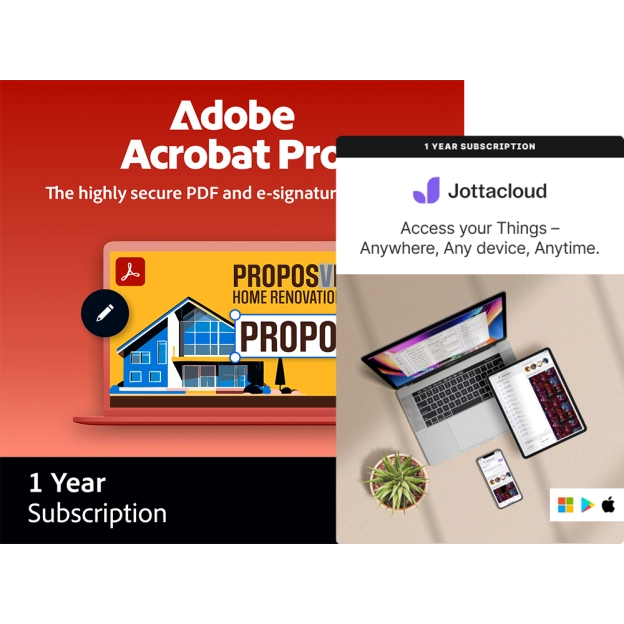
Adobe Acrobat Pro + Jottacloud Personal Unlimited | 1 User | 1 Year
Adobe | 2 devices | 1 year
- Subscription: 1 year
- Easily convert PDF files
- Suitable for Windows/Mac
- Unlimited cloud storage
MSRP:
£ 354,66
£ 189,00
£ 189,00
 Savings
-89%
Savings
-89%
Norton 360 Deluxe | 3 Devices | 1 Year + Jottacloud Personal Unlimited | 3 Months | Unlimited cloud back-up
Norton, Jottacloud | 3 devices | 1 year
- 3 installations
- VPN + Password manager
- Unlimited cloud back-up
- Dark Web Monitoring
MSRP:
£ 92,18
£ 9,95
£ 9,95
 Savings
-32%
Savings
-32%
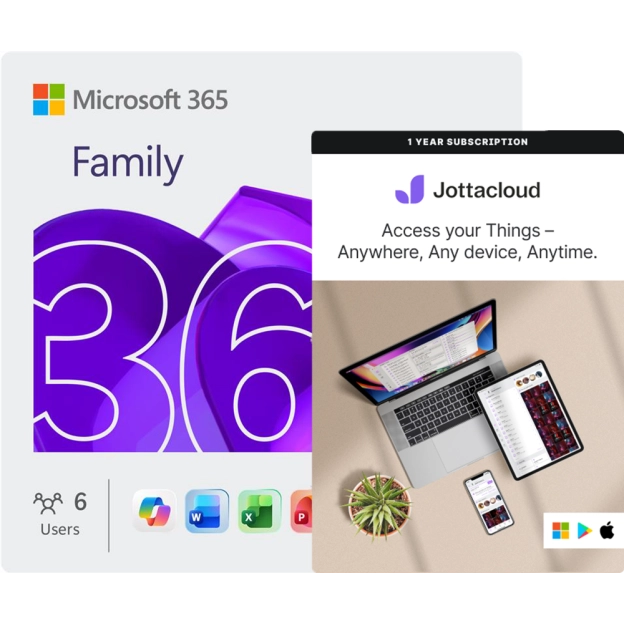
Microsoft 365 Family + Jottacloud Personal Unlimited | 1 Year | Unlimited cloud storage
Microsoft, Jottacloud | 30 devices | 1 year
- Successor of "Office 365 Home"
- Subscription: 1 year
- Microsoft 365 Family: 6 users, 5 installations per usereach user can install the package on up to 5 devices. Transferring licences to other devices is allowed. Max. Total number of active devices: 30
- Jottacloud: 1 user, unlimited cloud storage
MSRP:
£ 182,60
£ 124,58
£ 124,58
- 1
- 2
Cloud storage: common features
Cloud storage has many providers, but there are some common features and benefits that every cloud storage will most likely have.
Back up files
Everyone has files that are important, whether they are work or school documents, or just private files. Many cloud providers offer the option of automatically backing up your folders and files, so you decide what you want to keep safe. Suppose something happens to your device, such as a computer crash, you won't have to worry about lost files.
Saving space
A logical advantage, but certainly not unimportant. You often have a fair amount of space on a PC or Mac, but tablets or mobile devices generally have less space. Cloud storage takes your worries away and gives you enough space for all your files, regardless of your device.
Easy file sharing
Many Cloud services allow you to easily share your files stored in the cloud with others. Instead of sharing a whole file, simply share a link with the recipient that sends them directly to your photo or video in the cloud. It can't get cmore convenient than that.
Cloud storage has many other advantages, so check out our cloud products and discover them all at 2GO Software!
Cloud storage is a place on the internet where you can safely store your files — like photos, videos, documents, or music. Instead of saving everything on your phone, laptop, or USB stick, you keep it in the “cloud” — a kind of online vault.
The great thing is: all your devices can access it. So you take a photo on your phone and later open it on your laptop. Everything comes together in one place, and you always have access to it — wherever you are, as long as you have an internet connection.
You can find more information about cloud storage in this blog article: What is cloud storage?
When you save something to the cloud, it’s actually sent to a big computer (a server). That server is located in a data centre somewhere, like in Norway if you use Jottacloud. You use an app or a website to upload or view your files.
Jottacloud is a great example. If your phone is almost full, you can move your photos and videos to Jottacloud. That way, you free up space without deleting anything. You can still view everything in the Jotta app, just like it’s still on your phone.
You can find more information about cloud storage in this blog article: What is cloud storage?
The cloud isn’t something floating in the sky. It’s made up of real computers, often large servers in secure buildings. With European services like Jottacloud, these servers are located in Europe. That’s reassuring, because Europe has strict privacy and security laws.
So: your files are stored safely somewhere, but you can always access them via the internet.
You can find more information about cloud storage in this blog article: What is cloud storage?
Cloud storage helps solve a few common problems:
- Your phone or laptop is full. Move your files to the cloud and free up space.
- You lose something. If your device breaks or gets stolen, your files are still safe in the cloud.
- Access from multiple devices. You can reach your stuff from anywhere, whether you’re on your laptop or phone.
- Security. Cloud storage is often safer than an external hard drive or USB stick.
You can find more information about cloud storage in this blog article: What is cloud storage?
A NAS is a device you connect to your home network. You can also store files on it, but you have to manage the security yourself. That can be pretty tricky.
And things can go wrong. Well-known brands like Synology and QNAP have had issues with hackers in the past. Due to flaws in their systems, outsiders could view or even delete files.
With cloud storage like Jottacloud, the security is already taken care of. Your files are stored safely, with passwords, encryption, and extra layers of protection. In addition, Jottacloud offers unlimited storage, so you never have to worry about whether you can upload all your files.
Below, we've created a comparison table that shows the differences between cloud storage and a NAS.
|
Feature |
Cloud storage |
NAS (Network Attached Storage) |
| Storage location | Online (external servers via internet) | At home or office (own network) |
| Access | Anywhere with an internet connection | Only via local network or remote setup |
| Security | Handled by providers | You have to manage and update it yourself |
| Installation & management | No technical knowledge needed | Technical skills required, self-managed |
| Security risks | Lower risk of theft or malware | Higher risk if not properly secured |
| Backup function | Automatic backups possible | Manual or scheduled backups |
| Cost | Subscription | One-time purchase, plus maintenance |
| Example | Jottacloud, Google Drive, iCloud | Synology NAS, QNAP NAS |
Cloud storage is a place on the internet where you can safely store your files — like photos, videos, documents, or music. Instead of saving everything on your phone, laptop, or USB stick, you keep it in the “cloud” — a kind of online vault.
The great thing is: all your devices can access it. So you take a photo on your phone and later open it on your laptop. Everything comes together in one place, and you always have access to it — wherever you are, as long as you have an internet connection.
You can find more information about cloud storage in this blog article: What is cloud storage?
When you save something to the cloud, it’s actually sent to a big computer (a server). That server is located in a data centre somewhere, like in Norway if you use Jottacloud. You use an app or a website to upload or view your files.
Jottacloud is a great example. If your phone is almost full, you can move your photos and videos to Jottacloud. That way, you free up space without deleting anything. You can still view everything in the Jotta app, just like it’s still on your phone.
You can find more information about cloud storage in this blog article: What is cloud storage?
The cloud isn’t something floating in the sky. It’s made up of real computers, often large servers in secure buildings. With European services like Jottacloud, these servers are located in Europe. That’s reassuring, because Europe has strict privacy and security laws.
So: your files are stored safely somewhere, but you can always access them via the internet.
You can find more information about cloud storage in this blog article: What is cloud storage?
Cloud storage helps solve a few common problems:
- Your phone or laptop is full. Move your files to the cloud and free up space.
- You lose something. If your device breaks or gets stolen, your files are still safe in the cloud.
- Access from multiple devices. You can reach your stuff from anywhere, whether you’re on your laptop or phone.
- Security. Cloud storage is often safer than an external hard drive or USB stick.
You can find more information about cloud storage in this blog article: What is cloud storage?
A NAS is a device you connect to your home network. You can also store files on it, but you have to manage the security yourself. That can be pretty tricky.
And things can go wrong. Well-known brands like Synology and QNAP have had issues with hackers in the past. Due to flaws in their systems, outsiders could view or even delete files.
With cloud storage like Jottacloud, the security is already taken care of. Your files are stored safely, with passwords, encryption, and extra layers of protection. In addition, Jottacloud offers unlimited storage, so you never have to worry about whether you can upload all your files.
Below, we've created a comparison table that shows the differences between cloud storage and a NAS.
|
Feature |
Cloud storage |
NAS (Network Attached Storage) |
| Storage location | Online (external servers via internet) | At home or office (own network) |
| Access | Anywhere with an internet connection | Only via local network or remote setup |
| Security | Handled by providers | You have to manage and update it yourself |
| Installation & management | No technical knowledge needed | Technical skills required, self-managed |
| Security risks | Lower risk of theft or malware | Higher risk if not properly secured |
| Backup function | Automatic backups possible | Manual or scheduled backups |
| Cost | Subscription | One-time purchase, plus maintenance |
| Example | Jottacloud, Google Drive, iCloud | Synology NAS, QNAP NAS |