

Sort by:
Backup software; because security does not stop at antivirus.
Good backup is more than just saving a copy of your files. It is about recovery time, about having a duplicate copy of your files, about having a storage location that is inaccessible to viruses and malware. The biggest misconception is that a copy of your files on an external drive is good enough. Or that a Cloud storage device (like Onedrive or Google Drive) takes over the function of a backup.
Both consumers and business users choose Acronis Cyber Protect for its ability to provide reliable backups with the best backup software in the world. Acronis is the fastest, not only in making backups but also in restoring them.
In addition, reliability counts: With Acronis, you can back up to a local, external drive and/or to a cloud storage location. We call this Double back-up : A local secure backup of your files with an extra heavily secured version in the Acronis cloud.
 Savings
-91%
Savings
-91%
Acronis Cyber Protect Home & Business | Backup | 500 GB Cloud Storage | 1 PC
Acronis | 1 month | Backup Software
- All-in-one solution for backup and cybersecurity
- 500 GB shared cloud storage for 1 computer
- Real-time protection against ransomware and malware
- Easy central management through the management portal
MSRP:
£ 9,96
(ex VAT) £ 0,93
per month *
(ex VAT) £ 0,93
per month *
 Savings
-83%
Savings
-83%
Acronis Cyber Protect Home & Business | Backup | 0 GB Cloud Storage | 1 PC
Acronis | 1 month | Backup Software
- All-in-one solution for backup and cybersecurity
- 0 GB shared cloud storage for 1 computer
- Real-time protection against ransomware and malware
- Easy central management through the management portal
MSRP:
£ 5,54
(ex VAT) £ 0,93
per month *
(ex VAT) £ 0,93
per month *

Acronis Cyber Protect Home & Business | Backup | 0 GB Cloud Storage | 3 PC
Acronis | 1 month | Backup Software
- All-in-one solution for backup and cybersecurity
- 0 GB shared cloud storage for 3 computers
- Real-time protection against ransomware and malware
- Easy central management through the management portal
MSRP:
£ 8,86
(ex VAT) £ 0,93
per month *
(ex VAT) £ 0,93
per month *

 Savings
-92%
Savings
-92%
Acronis Cyber Protect Home & Business | Backup | 0 GB Cloud Storage | 5 PC
Acronis | 1 month | Backup Software
- All-in-one solution for backup and cybersecurity
- 0 GB shared cloud storage for 5 computers
- Real-time protection against ransomware and malware
- Easy central management through the management portal
MSRP:
£ 11,07
(ex VAT) £ 0,93
per month *
(ex VAT) £ 0,93
per month *
 Savings
-93%
Savings
-93%
Acronis Cyber Protect Home & Business | Backup | 1000 GB Cloud Storage | 1 PC
Acronis | 1 month | Backup Software
- All-in-one solution for backup and cybersecurity
- 1000 GB shared cloud storage for 1 computer
- Real-time protection against ransomware and malware
- Easy central management through the management portal
MSRP:
£ 13,85
(ex VAT) £ 0,93
per month *
(ex VAT) £ 0,93
per month *
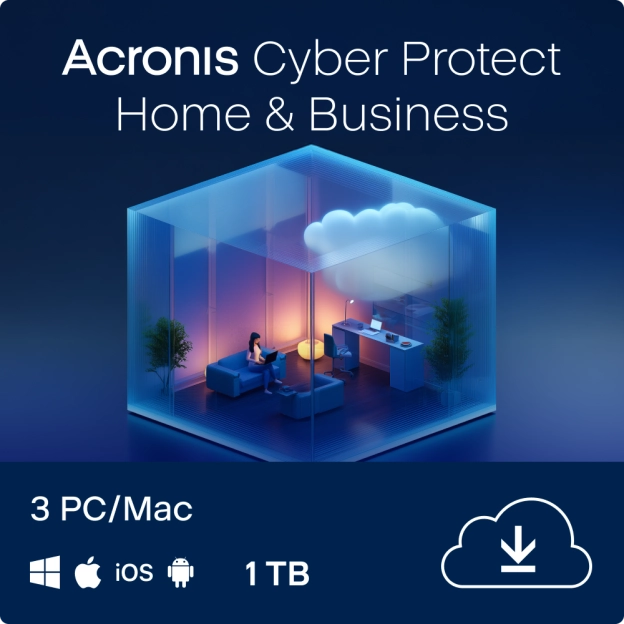
Acronis Cyber Protect Home & Business | Backup | 1000 GB Cloud Storage | 3 PC
Acronis | 1 month | Backup Software
- All-in-one solution for backup and cybersecurity
- 1000 GB shared cloud storage for 3 computers
- Real-time protection against ransomware and malware
- Easy central management through the management portal
MSRP:
£ 21,03
(ex VAT) £ 0,93
per month *
(ex VAT) £ 0,93
per month *
 Savings
-96%
Savings
-96%
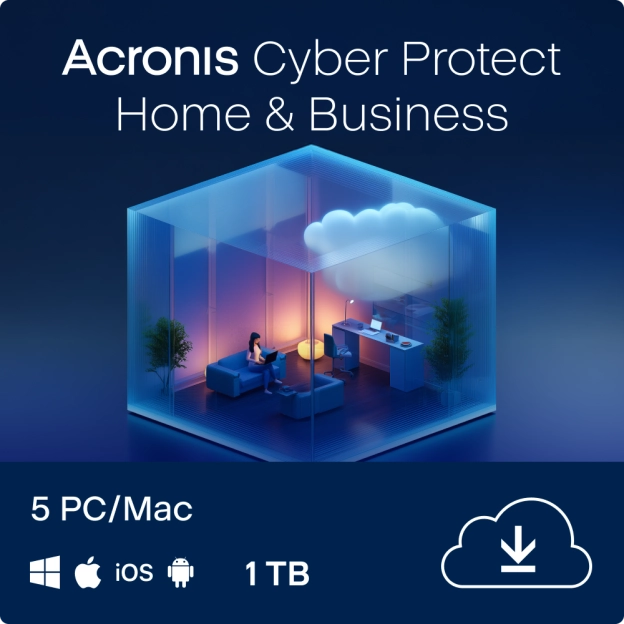
Acronis Cyber Protect Home & Business | Backup | 1000 GB Cloud Storage | 5 PC
Acronis | 1 month | Backup Software
- All-in-one solution for backup and cybersecurity
- 1000 GB shared cloud storage for 5 computers
- Real-time protection against ransomware and malware
- Easy central management through the management portal
MSRP:
£ 23,25
(ex VAT) £ 0,93
per month *
(ex VAT) £ 0,93
per month *
 Savings
-82%
Savings
-82%
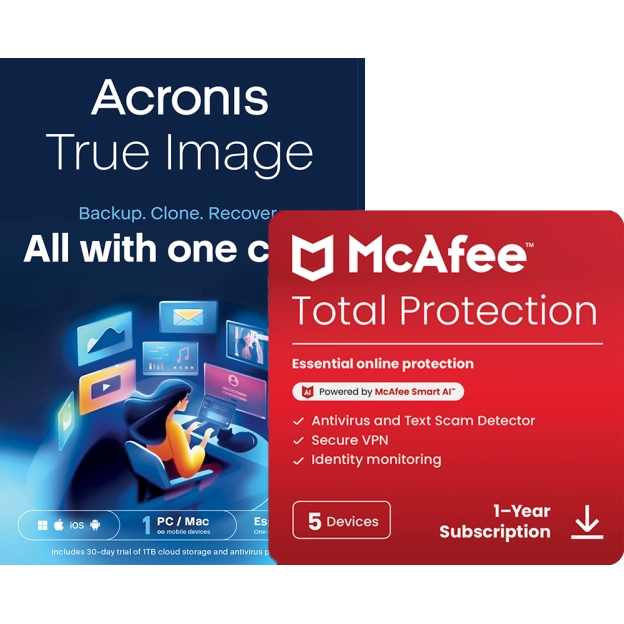
Acronis True Image Essentials | 1 PC | 1 Year + McAfee Total Protection | 5 PC | 1 Year
McAfee, Acronis | 1, 5 devices | 1 year
- Subscription: 1 year
- Suitable for 1 installation
- Language selection: EN, FR, DE, NL, IT
- Valid for initial installation as well as for a renewal
MSRP:
£ 138,33
£ 24,95
£ 24,95

Jottacloud Home + Bitdefender Total Security | 5 Devices | 1 Year
Jottacloud | 1 year | Backup Software
- 5 TB total cloud storage; share it with friends and family
- Suitable for up to 5 Users
- Compatible with Windows, Mac, iOS, Android
- Access to your files from anywhere
MSRP:
£ 225,03
£ 64,95
£ 64,95
Mac
All these products are suitable for the Mac operating system. Often the software is suitable for the current OS (Monterey) plus the two previous versions (Big Sur en Catalina). Thanks to our activation guide, you always receive the best and most recent software suitable for Mac.
Reliable and Efficient Backup Solutions
Prevent data loss with our advanced backup services. Our secure cloud backup solutions are designed to protect your valuable data from unforeseen events. With regular automatic backups and easy recovery options, you can operate with confidence knowing that your data is safe. Protect your files today with our state-of-the-art backup technology. Find out how we can help you with effective data management and risk mitigation.
Backup for Windows, Backup for Mac and Mobile Devices
Our backup software works on any operating system. Whether you are looking for backup software for Windows 11 or rather want to back up your Mac, we can help. It can do it all! In fact; you only need a license to backup your computer. A backup of your smartphone is included for free with each license.
Acronis backup software; best tested
The backup software of Acronis is the best backup software of 2021. Not because we think so, but because the software has been tested as the best (for example, by AV-test) and by consumers Acronis has been chosen as the best. The best backup distinguishes itself by speed, reliability and simplicity. Everything should go automatically without you noticing that your computer slows down during the backup. And that is exactly what this software does!
A very reasonable question, especially if you're uploading confidential documents or personal photos to the cloud. Luckily, cloud storage is generally secure, as long as you choose a trustworthy provider. For instance, check if the provider encrypts your data and whether the servers are located within the EU, which has stricter privacy regulations.
Jottacloud scores well in these areas: your data is stored on servers in Norway, where strict privacy laws apply. Plus, everything you upload is automatically encrypted. That means even if someone tried to snoop, they wouldn’t be able to access your files.
Tip: always use a strong password and enable two-factor authentication for extra security.
You can find more frequently asked questions about cloud storage in this blog article: frequently asked questions about cloud storage.
You probably know the drill: you get a message that your cloud storage is full, and now what? There are a few options:
- Time for a clean-up! Delete duplicate or unnecessary files. Think of all those screenshots you never look at again.
- Upgrade your storage: Often, you can get extra storage space for a small fee.
- Switch to a different provider: Is your current provider inflexible or too expensive? Then switching could be a smart move.
With Jottacloud, for example, it’s easy to upgrade to unlimited storage, so you don’t have to stress about what to keep or delete.
You can find more frequently asked questions about cloud storage in this blog article: frequently asked questions about cloud storage.
Yes and no. Most cloud storage providers, like Google Drive, Dropbox or iCloud, offer a free starter account with a limited amount of gigabytes (for example, 5 GB or 15 GB). That’s fine for a few documents or some photos, but once you need more space, you’ll usually have to switch to a paid version.
If you want to make unlimited backups, it’s worth looking into a paid, reliable provider. Jottacloud is a great example: you can get unlimited storage for a fixed annual fee. Super handy if you want to safely store loads of photos, videos or important documents online.
You can find more frequently asked questions about cloud storage in this blog article: frequently asked questions about cloud storage.
A very reasonable question, especially if you're uploading confidential documents or personal photos to the cloud. Luckily, cloud storage is generally secure, as long as you choose a trustworthy provider. For instance, check if the provider encrypts your data and whether the servers are located within the EU, which has stricter privacy regulations.
Jottacloud scores well in these areas: your data is stored on servers in Norway, where strict privacy laws apply. Plus, everything you upload is automatically encrypted. That means even if someone tried to snoop, they wouldn’t be able to access your files.
Tip: always use a strong password and enable two-factor authentication for extra security.
You can find more frequently asked questions about cloud storage in this blog article: frequently asked questions about cloud storage.
You probably know the drill: you get a message that your cloud storage is full, and now what? There are a few options:
- Time for a clean-up! Delete duplicate or unnecessary files. Think of all those screenshots you never look at again.
- Upgrade your storage: Often, you can get extra storage space for a small fee.
- Switch to a different provider: Is your current provider inflexible or too expensive? Then switching could be a smart move.
With Jottacloud, for example, it’s easy to upgrade to unlimited storage, so you don’t have to stress about what to keep or delete.
You can find more frequently asked questions about cloud storage in this blog article: frequently asked questions about cloud storage.
Yes and no. Most cloud storage providers, like Google Drive, Dropbox or iCloud, offer a free starter account with a limited amount of gigabytes (for example, 5 GB or 15 GB). That’s fine for a few documents or some photos, but once you need more space, you’ll usually have to switch to a paid version.
If you want to make unlimited backups, it’s worth looking into a paid, reliable provider. Jottacloud is a great example: you can get unlimited storage for a fixed annual fee. Super handy if you want to safely store loads of photos, videos or important documents online.
You can find more frequently asked questions about cloud storage in this blog article: frequently asked questions about cloud storage.